

Clipper Blade Drives: Recognising a Fault and Getting It Fixed
Learn what the drive does, how to narrow down a suspected fault and why replacement instructions must match your clipper model.
The practical answer
The blade drive transfers movement to the cutter. Several symptoms can suggest a problem, but poor cutting alone does not identify the drive as the cause.
Understand the connection
The motor and drive mechanism move the cutter across the stationary part of the blade. If that movement is not transferred correctly, cutting may become unreliable. Designs differ, so the location, shape and replacement procedure for a drive are not universal.
Check the outside before the inside
- Stop using a clipper that develops unusual noise, vibration or heat.
- Confirm the blade is compatible, clean and properly seated.
- Check whether one known-good compatible blade works normally. If it does, the original blade may need attention.
- If several suitable blades perform badly, record the symptoms and consult model-specific support.
- Only inspect or replace a drive yourself when the manufacturer describes it as user maintenance and you can follow that exact procedure.
Symptoms are clues, not a parts order
| Observation | Why it is not a diagnosis |
|---|---|
| Poor cutting with several blades | The drive is one possibility; power, seating or another clipper fault can also matter. |
| A new rattling sound | An attachment or another moving component may be involved. |
| Visible worn or cracked drive part | Relevant evidence, but the correct part and cause still need checking. |
| Heat or vibration | A reason to stop and investigate, not proof that a drive replacement will fix everything. |
Use the exact service procedure
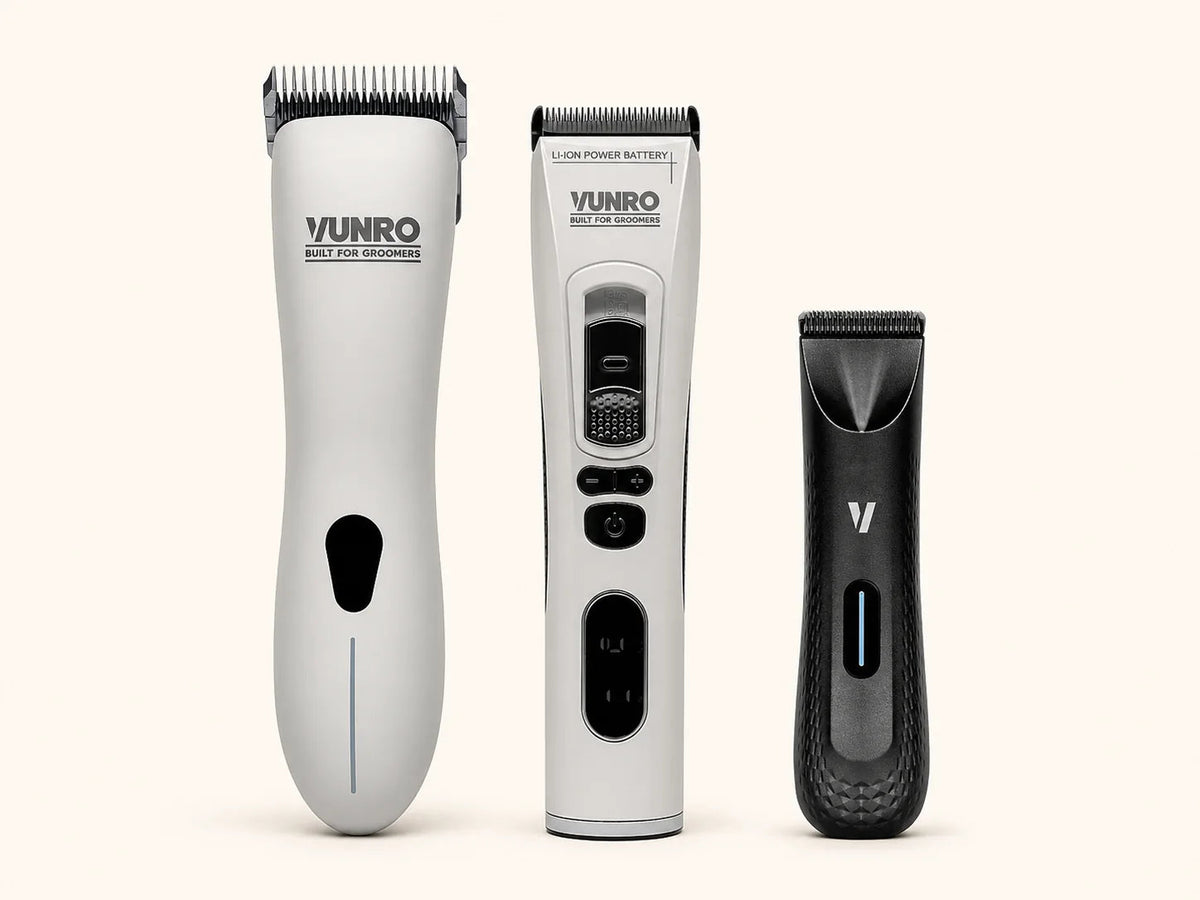
Drive parts and access procedures vary between clipper models. Generic advice to open any clipper case is inappropriate. For a VUNRO device, contact VUNRO support with the full model and symptoms before opening the casing or ordering a drive part.
Before starting an approved repair, confirm the model, part reference and required tools. Disconnect power and follow any battery instructions. Keep parts organised, do not bypass guards or modify components, and stop if the instructions do not match the device in front of you. A repair technician is the better route when the tool is sealed or the fault is uncertain.
Check before returning to work
After a repair, verify that reassembly and testing match the manufacturer’s directions. Check normal operation away from the dog first. Retain the part number, date and symptom in the service record. If the same fault returns, share the full history with support instead of repeatedly replacing the same component.
Information to send with a repair enquiry
- Make, model and approximate service history.
- Blade models tested and whether the problem follows one blade.
- Description of the sound or cutting change.
- Recent drops, liquid exposure or previous repairs.
- Photographs of the disconnected tool where helpful.
If you do not already have a suitable known-good spare, skip that comparison and contact VUNRO with the checks completed. Do not buy another blade merely to diagnose a new purchase, or run equipment with damaged teeth, a burning smell, abnormal heat or harsh new noise.
Read next
- Clipper Blade Troubleshooting: Diagnose Before You Replace
- Clipper Performance: Check the Whole Cutting System
Sources and further reading
The product page identifies the current device; VUNRO support can advise on its service route. The symptom table is an editorial aid, not a diagnosis or authorisation to open a clipper.
Keep learning
More from the Blade Blog

Choose VUNRO Grooming Scissors for a Named Task
Read the guide →
Which VUNRO Grooming Comb Fits Your Work?
Read the guide →


